Ott Ristikivi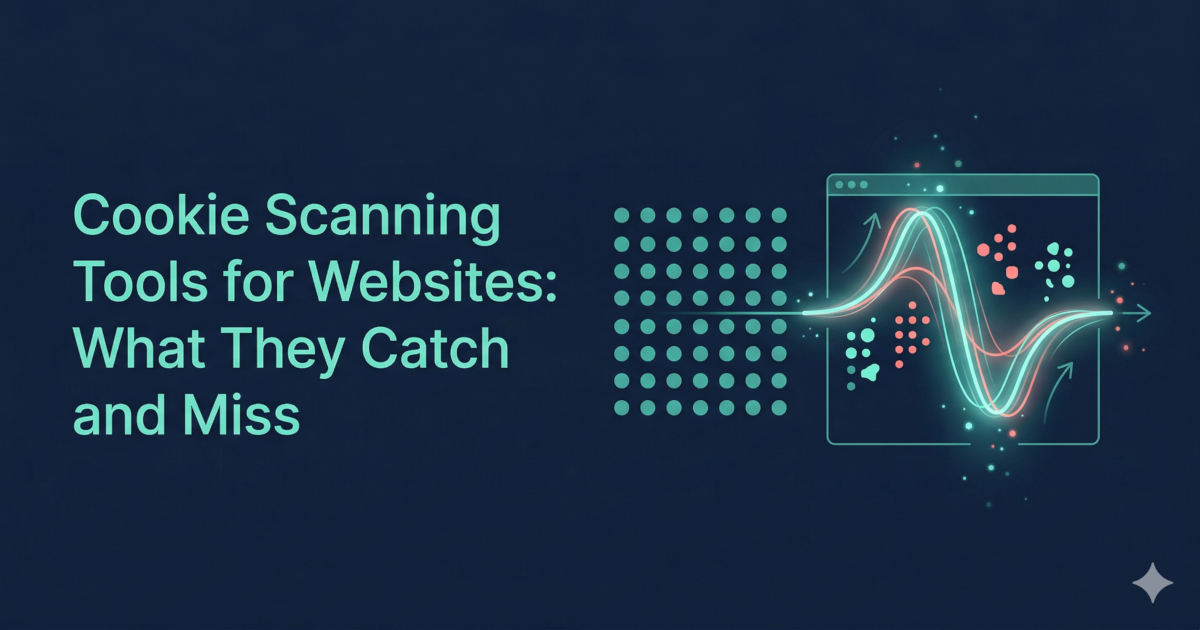
Cookie Scanning Tools: The Short Answer
Cookie scanning tools crawl or load a website and list the cookies they find, usually with name, domain, expiry and category. An inventory scan reports what exists, not when it was set. To confirm cookies wait for consent, pair a scan with a runtime check that compares behavior before and after the consent choice.
Cookie scanning tools are commonly used for initial cookie inventories and cookie policy generation. This guide explains how they work, what their limits are, and when to use a runtime compliance audit instead or alongside. Scope: EU/EEA GDPR and ePrivacy Directive. UK GDPR applies equivalent principles.
This article is for educational purposes and does not constitute legal advice. For compliance decisions, consult a qualified legal or privacy professional.
- Cookie scanning tool
A tool that visits your website and records the cookies set, typically categorizing them (strictly necessary, analytics, marketing) and producing a report or cookie policy. Most work as static or snapshot-based scanners.
- Static scan
Analysis based on a single page load: what cookies are set, what scripts appear in source. Does not simulate user interactions, test consent rejection, or observe dynamically loaded content.
- Runtime audit
Testing that runs your site in a real browser and observes actual behavior: what fires before consent, what runs after rejection, what third-party requests are made. Detects issues static scans cannot.
How cookie scanners work
A typical cookie scanning tool:
- Visits your page (usually without accepting or rejecting cookies).
- Records cookies set in the browser during that visit.
- Categorizes cookies (e.g. necessary, functional, analytics, marketing) using a cookie database.
- Produces a report or cookie policy text listing those cookies.
This gives you an inventory of cookies visible on that single visit. It is useful for understanding what cookies your site sets and for generating a cookie policy.
For a structured pass on cookies and outbound requests on the same URL, use the free cookie audit tool alongside inventory scanners.
Common blind spots in static scans
Static cookie scanners have known limitations that affect GDPR compliance assessment:
- Pre-consent firing is not tested. A static scan loads the page without simulating a consent state. It cannot tell you whether cookies fire before the user accepts — only a runtime audit with consent rejection can. See how to detect cookies loading before consent.
- Dynamically loaded trackers are missed. Scripts injected via JavaScript after page load, via Google Tag Manager, or via lazy-loading are often not captured.
- CMP bypass is not detected. If your CMP is misconfigured and non-essential cookies fire even when rejected, a static scanner will not notice — it never clicks "Reject." See how a CMP's own scan differs from an independent audit.
- Third-party request scope is limited. Many scanners record cookie names but do not map the full set of third-party network requests (pixels, beacons, API calls) that may also transmit personal data.
- Single-page coverage. Most free scanners scan one URL. Complex sites with many routes, login states, or app views require broader scanning.
When to pair scanning with runtime compliance audits
Use a cookie scanning tool when you need:
- A quick cookie inventory for policy generation.
- A list of what cookies are present on a given page.
- A starting point before a more thorough compliance review.
Use a runtime compliance audit when you need to verify:
- That no non-essential cookie or tracker fires before consent.
- That rejecting cookies actually stops tracking.
- What third-party domains receive data on a visit.
- Whether your compliance setup is working after a release or CMP change.
For most GDPR-regulated websites, a cookie scan is a starting point — not a substitute for runtime verification. See How to audit your website for GDPR compliance for a step-by-step approach.
Cookie audit tool vs cookie scanner
These terms appear interchangeably in search—they describe different scopes:
| Term | What it typically does | Limitation |
|---|---|---|
| Cookie scanner | Visits a page, inventories cookies by name and category (strictly necessary, analytics, marketing) | Static snapshot only; does not test consent timing |
| Cookie auditing tool | Broader pass: cookies + third-party network requests + consent-flow behavior | Varies by tool; runtime tools go deepest |
| Cookie audit tool (runtime) | Runs a real browser session, records what fires before consent and after rejection | Closest to what regulators test |
When Search Console shows queries like "cookie audit tool" or "cookie auditing tools", users are typically looking for something more than a cookie list—they want evidence that consent is actually working. That job-to-be-done maps to a runtime audit, not a static inventory.
Use the free cookie audit tool to run a runtime pass on your domain and see pre-consent and post-rejection behavior in a single report.
When a static scan is "enough"
A static cookie scan is sufficient when you need:
- A first inventory to draft your cookie policy or cookie declaration.
- A quick check that no obviously new cookies appeared after a release.
- Documentation for a compliance spreadsheet where you need cookie names and categories.
It is not enough when you need to prove:
- No tracking fires before consent.
- Rejecting cookies actually stops non-essential tags.
- Your tag manager or CMP is working correctly.
For those cases, upgrade to a runtime audit—or at minimum run the manual incognito test described in Website cookie scanner guide.
Methodology and sources
- Analysis based on EDPB Cookie Banner Taskforce findings and ePrivacy Directive enforcement patterns.
- Last updated: 2026-03-26.