
SecureSpells
Google Consent Mode v2 Test Guide (2026)
Google Consent Mode v2 Test Guide (2026)
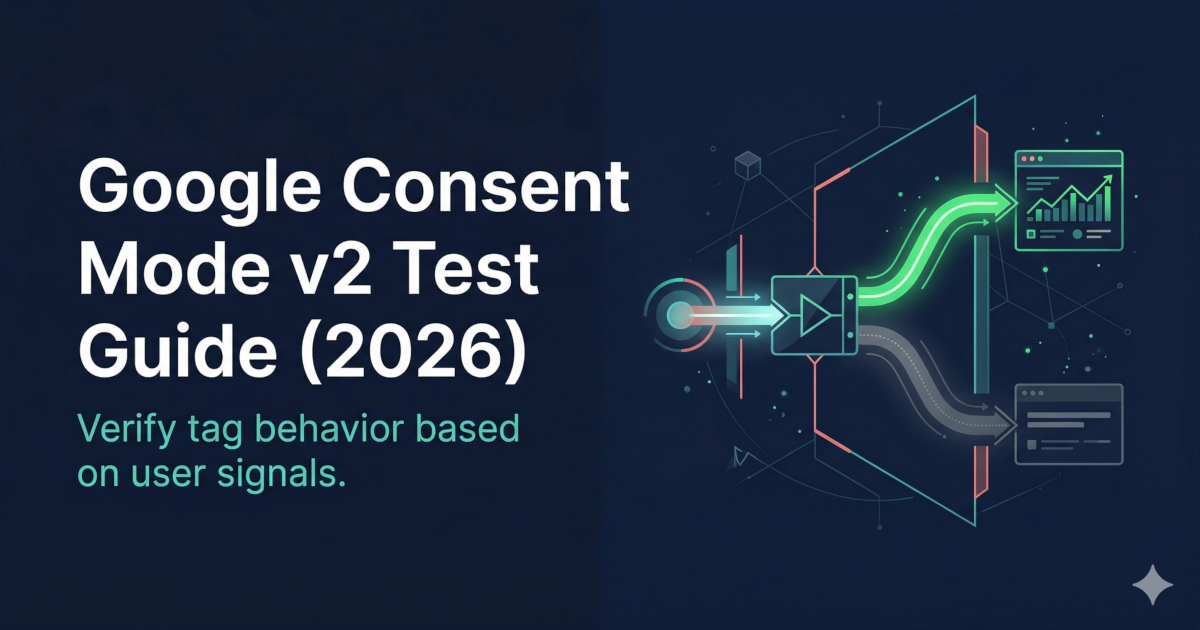
To test Google Consent Mode v2, verify that consent signals reach Google tags correctly: open the site in a private window, reject cookies, and confirm that analytics and ad tags do not fire or switch to denied-mode behavior. Then accept cookies and verify tags fire as expected. Use browser DevTools or a tag debugger to inspect signal state and tag responses.
Google Consent Mode v2 controls how Google Analytics 4, Google Ads, and other Google tags behave based on user consent choices. A misconfigured Consent Mode setup can mean tracking fires without consent, or consent-mode modeling operates on incorrect signals. This guide explains how to validate your implementation. Scope: EU/EEA GDPR, UK GDPR — required for Google tags in these regions under DMA and GDPR.
This article is for educational purposes and does not constitute legal advice. For compliance decisions, consult a qualified legal or privacy professional.
- Google Consent Mode v2
A framework that passes user consent signals (granted or denied, per category) from your CMP to Google tags. Tags adjust behavior based on signal state — e.g. deferring measurement until consent is granted. Required for EEA/UK/CH when using Google Ads or Analytics for measurement.
- Consent signal
A declared state (granted/denied) for a consent category (analytics_storage, ad_storage, etc.) passed via the gtag 'consent' command. Google tags read this signal to determine their behavior.
- Denied mode
When consent is denied, Google tags should not set cookies or transmit identifiers. They may still fire (e.g. for conversion modeling) but without personal data collection.
What to validate before testing
Before testing Consent Mode v2, confirm:
- Default consent state is set correctly. The
gtag('consent', 'default', {...})call must run before any Google tags load. If missing, tags may operate with an undefined (effectively granted) state. - CMP is integrated. Your consent management platform must update the Consent Mode signals when the user makes a choice. This is typically done via a CMP integration or a custom
gtag('consent', 'update', {...})call. - GA4 and Google Ads tags are present. You need at least one Google tag to verify signal propagation.
- Tag Manager or direct implementation is configured. If using GTM, confirm the Consent Mode template is active and firing in the correct order.
Step-by-step Consent Mode v2 check
Step 1 — Open a private browser window
Clear all consent signals and cookie state. In Chrome, open an Incognito window.
Step 2 — Load your site and do not accept cookies
Open DevTools (F12) → Console tab. Before clicking anything on the consent banner, type:
google_tag_data.ics.entriesor watch for the initial consent default call in the Console. The default should show denied for analytics_storage and ad_storage (or your configured categories).
Step 3 — Verify tags do not set cookies pre-consent
In the Network tab, filter for google-analytics.com, gtm.js, gtag/js, and googleadservices.com. On first load (before accepting), no cookies with _ga, _gcl_*, or similar identifiers should be set in Application → Cookies.
Step 4 — Accept cookies and verify update
Click Accept on the consent banner. In the Console, verify a consent update call fires with granted values. In Network, confirm GA4 measurement requests now appear (e.g. collect? or g/collect).
Step 5 — Reject cookies and verify blocking
Reload the page and click Reject (or decline all). Confirm no GA4 measurement or Google Ads calls appear in Network. If they do, your implementation has a consent bypass.
Step 6 — Use Google Tag Assistant or GTM Preview
Google's Tag Assistant shows Consent Mode state per tag. In GTM Preview mode, check that triggers fire only after consent state is correct and that consent-sensitive tags have the appropriate Consent Type settings.
Run a full runtime audit. See what Google tags fire before consent on your site.
Common implementation errors and fixes
| Error | Symptom | Fix |
|---|---|---|
| Default not set before tags | Tags fire in undefined consent state | Move gtag('consent', 'default') call before any Google tag script |
| CMP update not connected | Accepting/rejecting cookies does not change consent state | Wire CMP callback to gtag('consent', 'update', {...}) |
| GTM container loads before consent | GTM fires before user interacts with banner | Load GTM container only after default consent is set, or use GTM's built-in Consent Initialization trigger |
| Missing consent categories | Only analytics_storage set, not ad_storage | Set all relevant categories: analytics_storage, ad_storage, functionality_storage, personalization_storage, security_storage |
| Consent Mode template not updated | Old CMP integration does not support v2 signals | Update or replace CMP integration template in GTM |
Methodology and sources
- Google Consent Mode v2 documentation: developers.google.com/tag-platform/security/concepts/consent-mode
- EDPB guidelines on consent and lawful basis for Google Analytics: relevant national DPA decisions referenced in Google Analytics GDPR guide.
- Last updated: 2026-03-26.
Related Articles